Your screen wants to be doodled on.
The most fun way to scribble, highlight and stamp shapes over anything on your Mac. Point stuff out, be a little extra, snap it and share.
14-day free trial, no card · plans from $4.95 · or $4.99 on the App Store. The two are separate purchases.
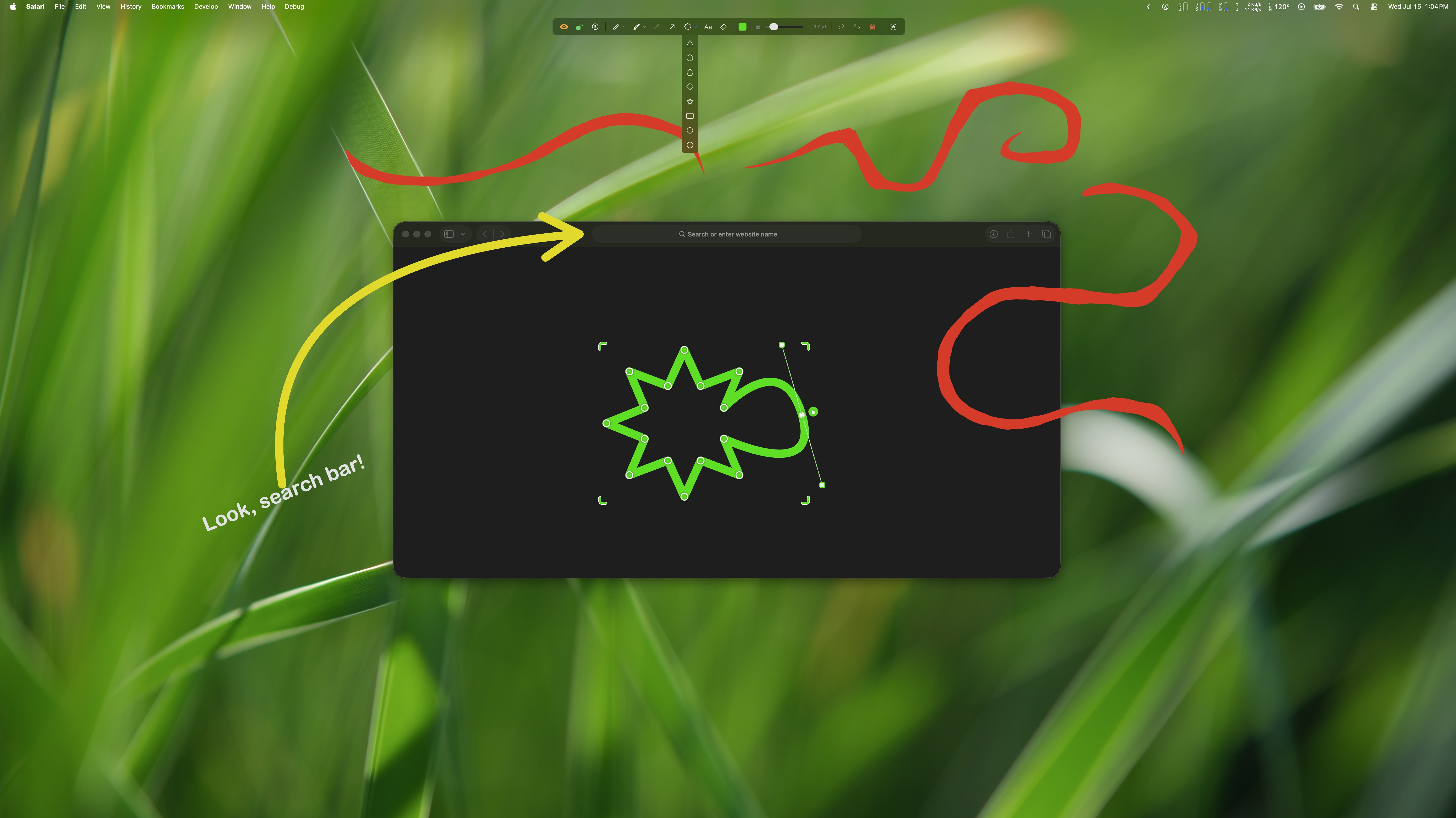
Everything you need to make your point.
Pens & highlighters
Smooth freehand ink and glowing highlighter sweeps in any color you like.
Lines & arrows
Shapes & stars
Text labels
Snap the screen
Capture the whole masterpiece, then wipe it clean in a single click.
Three steps. Zero learning curve.
Turn it on
One click from the menu bar covers your screen in a live canvas.
Go wild
Draw, highlight, arrow and stamp. Change color and size on a whim.
Snap & wipe
Screenshot the masterpiece, share it, then clear it instantly.
Screen Marker collects no data. No networking code, no analytics, no tracking, no account. Your drawings live in memory only until you choose to save a screenshot.
Let’s make some marks. ✨
Get it from the Mac App Store, or buy it direct and try it free for 14 days first.
Buying direct adds multi-computer plans from $4.95 and a 14-day trial. It’s a separate purchase from the App Store version — neither carries over to the other, and the App Store copy keeps updating through the App Store as usual.
 Daisycloud